Mask of the Rose Troubleshooting Guide
Reporting Bugs
PC
Mask of the Rose has an in-game bug reporting tool which is accessible via the Report A Bug button on the Pause Menu (press Esc) or by pressing F8 on any screen in the game.
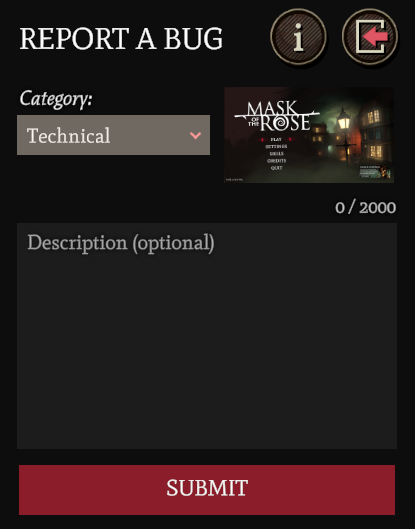
Once open, select an appropriate category from the drop-down list (e.g. Gameplay, Graphical, Narrative, etc) before entering a description for the issue you are experiencing.
The more information you can give us about the steps you took before encountering an issue the better.
If you cannot launch the game in order to access the bug reporter, then please check out the information in our full Troubleshooting Guide on Steam to help you resolve your issue.
Switch
To report an issue on Switch please email mask@failbettergames.com
Known Issues and Solutions
Please see the full troubleshooting guide on Steam for help with specific issues.